


Cloud migration offers immense benefits, but many small and medium-sized businesses (SMBs) still hesitate to make the move. Whether it’s because they lack the in-house expertise to execute the migration smoothly or fear the potential challenges, the decision often gets delayed.
But making the move to the cloud doesn’t have to be scary. In this post, we’ll break down the steps to successfully navigate the cloud migration journey. Plus, we’ll show you how Deployflow can help streamline the process.
But, let’s first take a look at why Cloud Migration is Critical for Business Success.
Why Cloud Migration is Critical for SMBs
Cloud migration is no longer optional for SMBs looking to stay competitive in today’s fast-paced market.
The cloud provides an opportunity to optimise operations, reduce costs, and ensure business continuity. Here’s why it’s crucial for your business:
Scalability
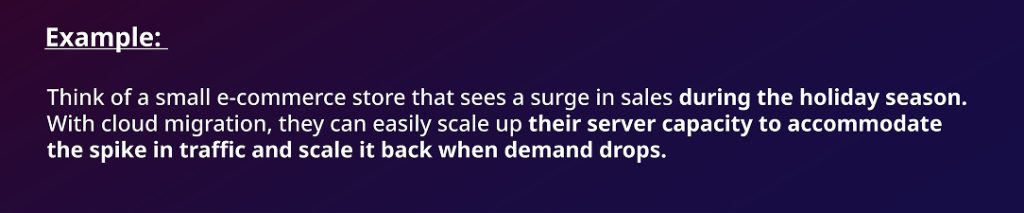
Cloud infrastructure allows businesses to scale resources up or down based on demand. This flexibility is especially important for SMBs that experience fluctuating demand.
Stat: 90% of organisations that adopt cloud technology report significant improvements in scalability and agility (Source: Gartner).
Cost Efficiency
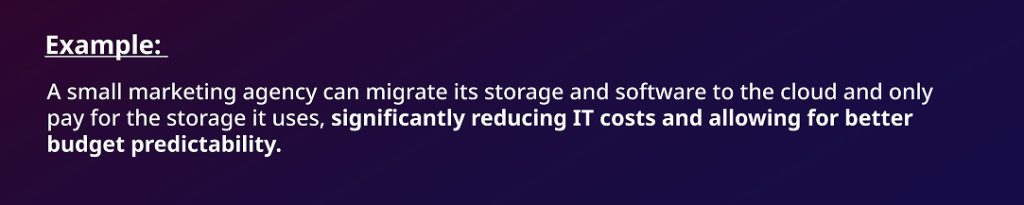
Cloud services typically operate on a pay-as-you-go basis, allowing businesses to only pay for the resources they actually use. This eliminates the need for hefty upfront investments in on-premise hardware.
Stat: Small businesses save up to 40% in IT costs by moving to the cloud (Source: Flexera).
Security & Compliance
Cloud providers offer robust security, including encryption and compliance with major industry standards (e.g., GDPR, HIPAA). For small businesses, this removes the complexity and costs of managing security protocols in-house.

Stat: 94% of organisations using cloud services report improved security and compliance (Source: Microsoft).
Operational Agility
Cloud services enable remote work, seamless team collaboration, and fast feature deployment. This boosts operational flexibility, especially as businesses need to adapt quickly to market changes.

Stat: A 2023 McKinsey report found that banks using cloud services reduced their time-to-market for new products by an average of 40%.
Common Challenges in Cloud Migration & How SMBs Can Overcome Them
Even with all the advantages, migrating to the cloud can present challenges, particularly for SMBs without extensive IT resources. Deployflow offers practical solutions to help ease the process. Let’s take a look at common challenges and how Deployfow can help.
1. Performance Bottlenecks
Slow cloud speeds can significantly hinder daily operations, frustrating both employees and customers.
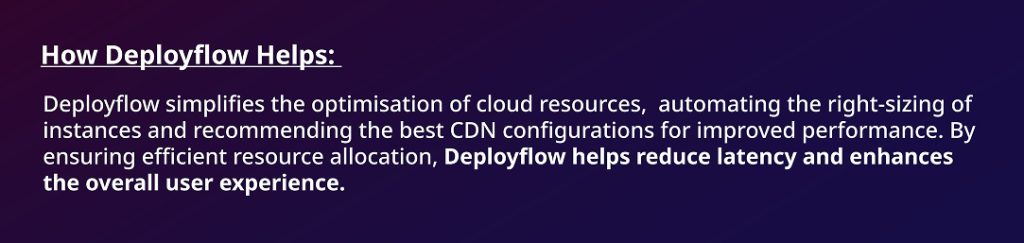
Solution: To avoid performance bottlenecks, businesses should choose a cloud provider with low-latency networks and geographically distributed data centers. Additionally, optimising cloud workloads through right-sizing instances and utilising Content Delivery Networks (CDNs) can help accelerate performance.
2. Time & Resource Constraints
Small businesses often lack the in-house IT resources needed to plan and execute a migration, leading to time and resource constraints.
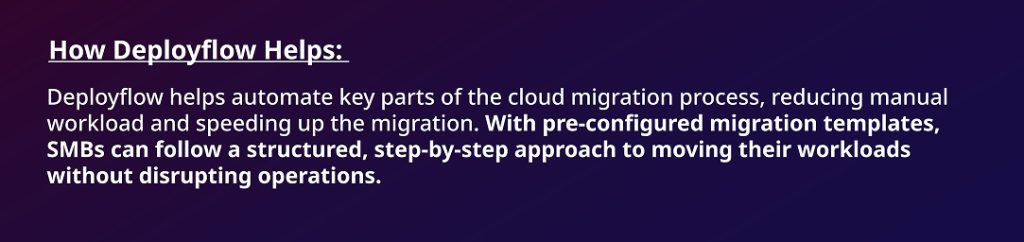
Solution: Break the migration process into manageable phases to reduce disruptions. Additionally, adopting cloud automation tools can streamline tasks, reduce manual errors, and improve efficiency.
3. Scalability Concerns
As SMBs grow, their cloud infrastructure needs to scale accordingly. Without proper planning, poor scalability can lead to performance issues and unanticipated costs.
Solution: SMBs should develop a scalability roadmap based on growth projections, ensuring they choose a cloud provider with auto-scaling, multi-cloud support, and pay-as-you-go pricing.
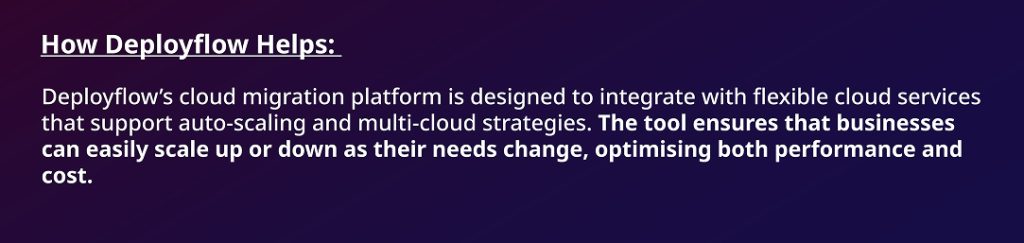
4. Service Disruptions
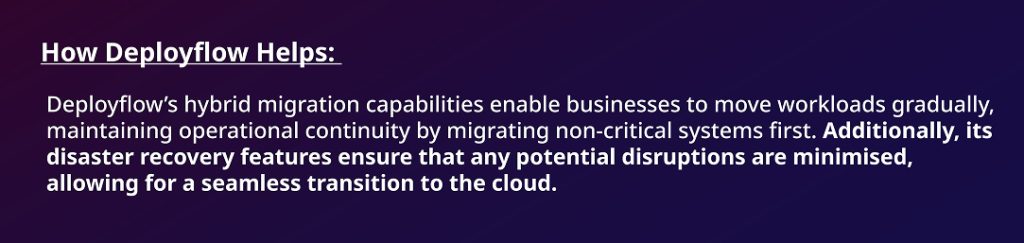
Migration downtime can significantly disrupt business operations, leading to decreased productivity and potential loss of customers.
Solution: A hybrid migration approach helps businesses keep critical systems running during migration. Backup and disaster recovery plans are essential to minimise downtime risks.
5. Vendor Lock-In
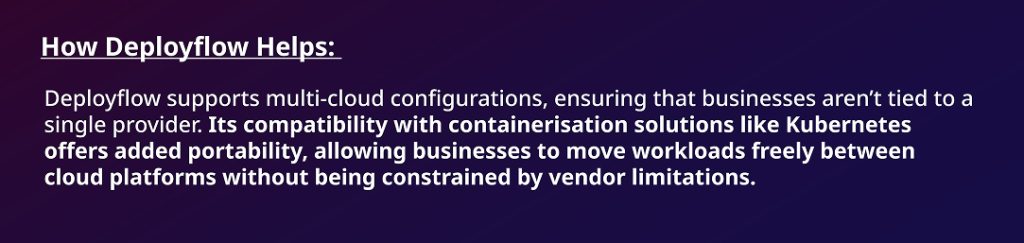
Relying too heavily on a single cloud provider can restrict flexibility and increase long-term costs.
Solution: SMBs can avoid vendor lock-in by adopting multi-cloud strategies and containerisation technologies like Kubernetes, allowing them to maintain flexibility and portability across cloud environments.
Cloud Migration: A Step-by-Step Strategy for SMB Success
Cloud migration doesn’t have to be overwhelming. With a clear plan in place, SMBs can ensure a smooth transition without disruptions. Here is a comprehensive, step-by-step guide to cloud migration.
Step 1: Define Business Goals & Create a Cloud Migration Roadmap
Before getting technical, SMBs should define their business goals for cloud migration—whether it’s reducing costs, improving scalability, or enhancing security. This roadmap will guide all decisions.
For SMBs with an MSP: Align your business goals with your provider and request a detailed roadmap that includes costs, timelines, and milestones.
For SMBs without an MSP: Work with a cloud expert to define your objectives and craft a tailored migration strategy.
How Deployflow Helps: Deployflow helps SMBs create a clear, actionable roadmap. With pre-configured templates and expert guidance, businesses can eliminate uncertainty and track progress efficiently.
Step 2: Assess Cloud Readiness
Assessing whether your infrastructure is ready for the cloud is crucial. This involves understanding application dependencies, network capacity, and storage needs.
How Deployflow Helps: Deployflow’s readiness assessment tools help identify potential gaps in infrastructure compatibility, ensuring SMBs are prepared for migration. Integration with cloud providers like AWS and Azure makes the process smoother and faster.
Step 3: Choose the Right Migration Strategy
There are several cloud migration strategies:
- Rehost (Lift & Shift): Fast but may not be cost-effective long-term.
- Refactor: Minor changes for better cloud compatibility.
- Rearchitect: Optimised for cloud-native performance and scalability.
- Rebuild: Complete redevelopment to leverage cloud-native features.
- Replace: Switching to a SaaS option if legacy apps are outdated.
How Deployflow Helps: Deployflow helps SMBs select the right strategy by providing insights into each approach, whether it’s lifting and shifting or rearchitecting applications for scalability.
Step 4: Implement Security-First Migration
Security is paramount during cloud migration. SMBs should ensure data is encrypted, MFA is enabled, and compliance standards (e.g., GDPR, HIPAA) are met.
How Deployflow Helps: Deployflow integrates cloud security frameworks and ensures compliance with encryption and MFA protocols, keeping data safe throughout the migration process.
Step 5: Automate & Streamline Migration
Automating the migration process reduces human error and ensures minimal downtime. Testing before full deployment also reduces risks.
How Deployflow Helps: Deployflow’s platform automates key migration steps, helping SMBs migrate smoothly while minimising downtime and ensuring business continuity.
Step 6: Monitor & Optimise Post-Migration
Ongoing monitoring and optimisation are crucial for ensuring that the cloud infrastructure is running at peak performance.
How Deployflow Helps: Deployflow’s built-in monitoring tools track performance and costs, ensuring that the cloud infrastructure stays efficient and cost-effective over time.
Future Trends in Cloud Migration Strategies for SMBs
As more small and medium-sized businesses (SMBs) dive into cloud migration, keeping up with the latest trends can make the difference between a smooth transition and a costly setback. Cloud technology is evolving quickly, and it’s crucial for SMBs to understand and adopt these innovations to stay competitive.
Here’s a look at four key trends shaping cloud migration strategies today and how you can use them to your advantage.
1. AI-Driven Automation
Why It Matters for SMBs:
AI-driven automation is transforming cloud migration by reducing the heavy lifting typically required. From scaling workloads to continuous monitoring of systems, AI tools streamline operations and eliminate much of the manual work.
Cloud providers like AWS and Azure are leveraging machine learning to predict usage patterns, optimise cloud spend, and manage systems automatically. For SMBs, this means significant improvements in efficiency and fewer human errors.
How SMBs can leverage AI for their cloud migration journey:
- Explore AI Optimisation Tools: Start by incorporating tools like AWS Cost Explorer and Azure Automanage. These tools use AI to analyse resource usage, identify patterns, and recommend cost-saving measures.
- Automate Migration Processes: Rather than doing everything manually, leverage AI-powered platforms to automate your cloud migration. These tools can speed up the process and ensure smoother transitions with minimal downtime.
- Continuous Monitoring: Keep your cloud environment optimised by using AI for real-time performance and security monitoring. Proactively address issues before they affect your business operations.
2. Serverless Computing
Why It Matters for SMBs:
Serverless computing removes the need for managing physical servers or infrastructure. Cloud providers handle all the resource allocation and scaling, so businesses only pay for the computing power they actually use. This reduces both IT overhead and costs, making it an ideal solution for SMBs that need flexibility without committing to significant infrastructure investments.
How SMBs can leverage serverless computing for their cloud migration journeys:
- Leverage Serverless Platforms: Consider adopting services like AWS Lambda or Azure Functions. These platforms allow you to run applications without having to manage servers, reducing complexity and costs.
- Embrace Pay-As-You-Go: Take advantage of serverless computing’s pay-as-you-go model, which ensures that you’re only paying for what you use. This is perfect for SMBs with fluctuating workloads.
- Adopt Event-Driven Architectures: Build systems that trigger actions based on events, such as changes in user data. This approach makes scaling easier and more efficient, ensuring that your infrastructure can handle varying levels of demand.
3. Hybrid & Multi-Cloud Adoption
Why It Matters for SMBs:
Hybrid and multi-cloud strategies are quickly becoming the go-to for SMBs that want flexibility and redundancy in their cloud infrastructure. By spreading workloads across different cloud providers (e.g., AWS, Azure, Google Cloud), businesses avoid vendor lock-in, enhance performance, and ensure business continuity. This approach helps reduce risk while also optimising costs.
Actionable steps for SMBs:
- Build Hybrid Infrastructure: For SMBs that need to retain some on-premise control over specific data, hybrid cloud solutions offer the best of both worlds. Combine on-premise and cloud systems to meet your business needs.
- Adopt a Multi-Cloud Strategy: Don’t tie yourself to a single cloud provider. Use multiple cloud platforms to diversify your risk, optimise performance, and keep costs down.
- Work with an MSP: Managed Service Providers (MSPs) can help design and implement multi-cloud architectures tailored to your business, ensuring flexibility, better control, and cost efficiency.
4. Zero-Trust Security Models
Why It Matters for SMBs:
As cyber threats become more sophisticated, businesses must adopt stronger security models. A zero-trust security approach is designed to continuously verify every user, device, and application, whether they are inside or outside the network. This is particularly important for SMBs as they move more sensitive data to the cloud and face increasing cybersecurity risks.
Actionable Steps for SMBs:
- Implement Strong Authentication: Ensure robust security by adopting multi-factor authentication (MFA) and enforcing strong password policies across your cloud environment. This is a critical first step in safeguarding against unauthorised access.
- Enforce Least-Privilege Access: Limit user access to only the resources they need. By reducing unnecessary access, you can minimise the potential damage from compromised accounts.
- Continuous Monitoring and Threat Detection: Use continuous monitoring tools that detect and respond to suspicious activity in real-time.This ensures that you’re always ahead of potential security threats.
Deployflow Can Help You Make a Smooth Move to the Cloud
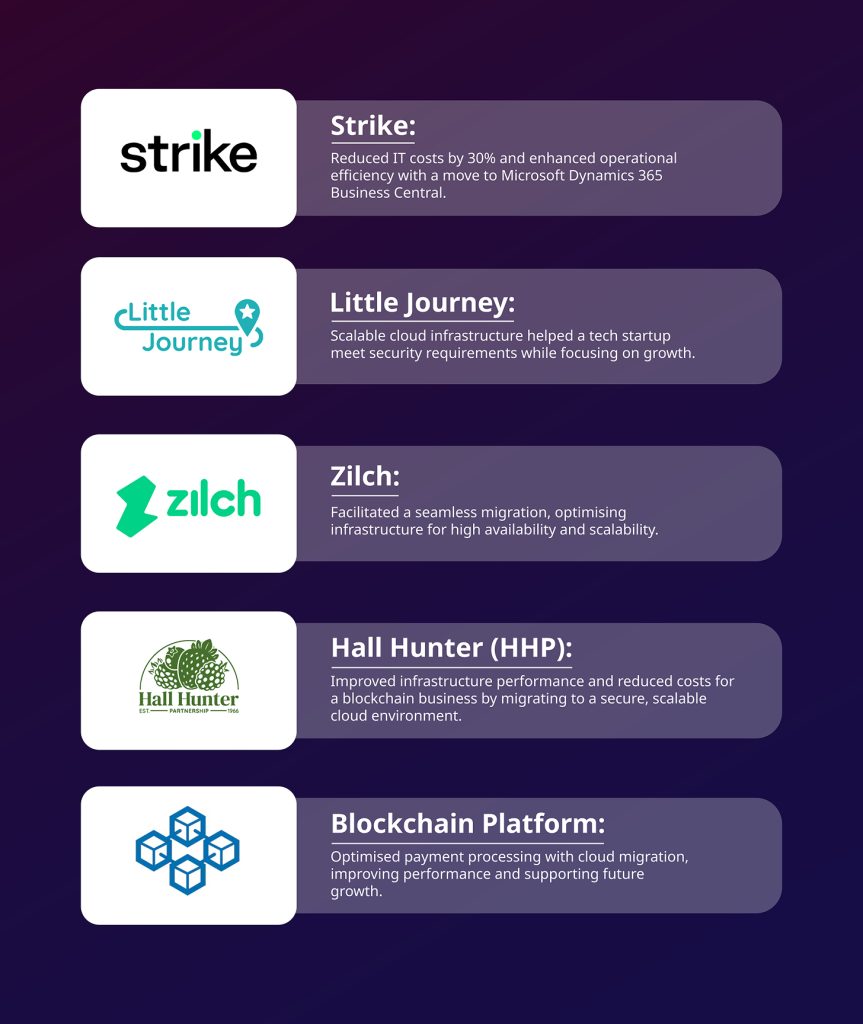
Deployflow has helped many SMBs migrate to the cloud, offering streamlined solutions and expert guidance every step of the way. From improving operational efficiency to ensuring scalability, here are some success stories:
When teamed with specialised skills and solution accelerators, you will become part of a cloud migration factory that can accelerate the journey even more.
Contact the Deployflow team of experts to help you navigate the complexities of cloud migration, and devise a robust cloud journey management plan to keep the effort on track.
FAQs
Key metrics to track
SMBs should track cloud performance (e.g., uptime, latency), cost efficiency (e.g., cloud spend vs. usage), and scalability (e.g., resource utilisation) to ensure a successful cloud migration.
Best migration strategy for scaling
The “Rearchitect” strategy is ideal for SMBs looking to scale efficiently, as it optimises applications for cloud-native performance and scalability.
Best automation tools
Tools like AWS Migration Hub, and Azure Migrate help SMBs automate cloud migration tasks, minimising manual effort and reducing migration time.
Securing cloud migration
SMBs can secure their cloud migration by implementing strong encryption, multi-factor authentication (MFA), and ensuring compliance with relevant standards like GDPR and HIPAA.
Explore our BLOG
Recent articles

AI Roadmap: How to Get Board Approval for Your AI Strategy in Six Weeks
A board-ready AI roadmap takes six weeks if you rank, cost and sequence use cases...
read full article

Is Claude Down? Anthropic Outage: Protect Your Cloud Infrastructure
Every current Claude model failed at once on 25 October 2026, the worst of five...
read full article

Agentic Process Automation Explained: A Complete Guide for 2027
Agentic process automation hands off entire business processes to AI agents that read, decide and...
read full article