


You don’t really notice how much your network holds everything together until the day you try to move a few terabytes to the cloud and your migration collapses like a cheap tent in the wind.
One moment, everything looks stable; the next moment, transfers crawl, latency spikes, and every dashboard insists the problem lies elsewhere.
What’s really happening? Cloud migrations fail because of the network, long before they fail because of the cloud. The hidden factors (packet loss, MTU mismatches, routing quirks, overloaded VPN tunnels) only reveal themselves when real data starts moving, and by then you’re already in damage-control mode.
This guide helps you avoid the slowdowns, surprises, and cutover chaos caused by overlooked network issues. You’ll learn why these network issues appear, how they affect migration speed and stability, and what engineering teams can fix before cutover so the entire process becomes predictable.
If you want fewer surprises, faster transfers, and a smoother migration than most teams ever experience, keep reading.
Understanding Network Performance in Cloud Migration
Network performance during a cloud migration is never just about how much bandwidth you have. The moment workloads start moving between on-prem, cloud regions, or multiple clouds, the network begins behaving in ways that look unpredictable unless you know what to expect.
Industry research shows that only about 42% of companies say they’ve fully realised their expected cloud benefits, which is a strong hint that critical bottlenecks (often network-related) remain unaddressed. (source: Accenture)
Latency changes, routing paths get longer, identity checks add overhead, and previously invisible slow points suddenly become loud enough to slow everything down.
Hybrid environments introduce additional hops between systems that weren’t designed to communicate over long distances.
Multi-region topologies add unavoidable latency simply because physics doesn’t care about your migration deadline.
Cloud-native routing can send traffic down paths you didn’t anticipate, especially when overlapping CIDRs, traffic inspection, or default gateway rules come into play.
And once IAM enters the picture, every request, every file transfer, API call, and service-to-service handshake can become a little slower depending on policy complexity.
This is why understanding the fundamentals matters.
- Latency dictates how quickly data moves round-trip.
- Throughput determines how much data can move in a given period.
- Jitter creates unstable performance.
- Packet loss destroys effective transfer speeds.
- MTU size affects fragmentation and efficiency.
- Congestion windows limit how fast TCP can scale.
- And “bandwidth” rarely equals real-world transfer speed, especially when security layers and long-distance paths get involved.
Once you understand how these pieces behave during migration, you can predict how the network will respond as workloads shift and avoid most painful surprises that catch teams off guard.
As Gartner predicts, a growing share of organisations are heading toward cloud dissatisfaction, not because the cloud lacks features or compute power, but because the underlying performance doesn’t match what they expected.
And in many cases, that disappointment traces back to network issues they never planned for: the routing quirks, latency jumps, security checkpoints, and throughput ceilings that only become visible once workloads start moving.
Cloud migration performance is the result of many small, easily overlooked details that stack up under real load.
In this guide, we break down 17 specific factors that affect the performance of a network during migration, starting with the physical and transport-layer issues that quietly determine how fast data can actually move.
Physical and Transport-Layer Factors That Affect the Performance of a Network During Migration
Physical and transport-layer issues are the sneaky troublemakers of cloud migration.
They look harmless on every diagram, behave perfectly during tiny test runs, and then the moment you push real data, they jump out like “surprise, remember us?” Suddenly, these invisible details are the ones deciding whether your migration glides smoothly or grinds to a painfully slow halt.
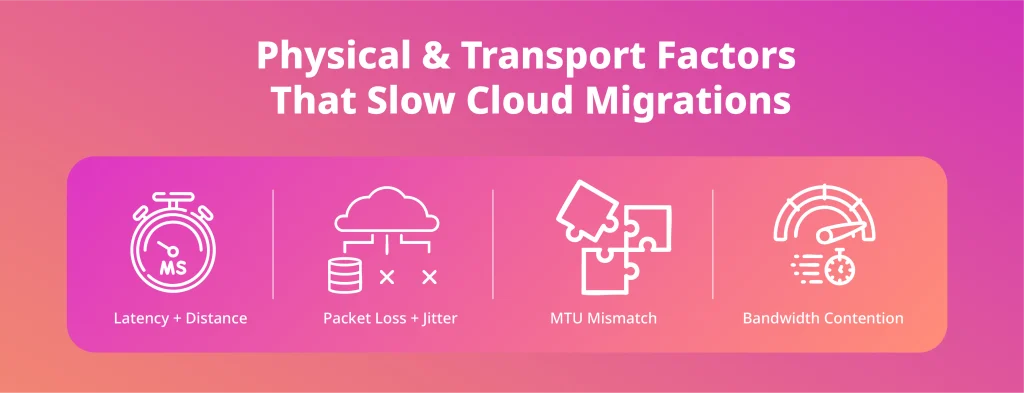
1. Latency and Distance
Where your cloud region sits compared to your data centre matters more than most teams expect. The further the distance, the higher the latency, and the slower TCP can scale its window. Even with plenty of bandwidth, long-distance transfers hit natural throughput limits simply because packets take longer to travel the round trip. A poor region choice can cut your effective transfer speed in half before you even start.
2. Packet Loss and Jitter
Packet loss doesn’t need to be dramatic to wreck a migration. A loss rate as small as 0.1% can slash throughput across a long path, forcing constant retransmissions and collapsing large copy jobs. Jitter (unstable, inconsistent latency) has a similar effect. Links that look fine under everyday traffic often fall apart when placed under migration-level pressure.
3. MTU Mismatch
On-prem environments often use jumbo frames for efficiency. Cloud networks usually don’t. When MTUs don’t match, packets get fragmented or dropped, and the transfer slows down as the system tries to adapt. This is one of the most overlooked factors that affect the performance of a network during cloud migration, and it can reduce throughput even when every other part of the pipeline looks healthy.
4. Bandwidth Contention
The theoretical bandwidth on your link is rarely what you get during a migration. Shared uplinks, peak-hour congestion, oversubscribed ISPs, and throttling policies all chip away at the speed you thought you were working with. Large transfers compete with daily operational traffic, and the result is a migration that feels far slower than expected, not because the cloud is slow, but because everything else is using the same pipe.
These physical and transport-layer realities are baked into how the internet works. But the good news is they’re completely predictable once you know the signs. Spot them early, and you avoid the classic cutover moment where everyone stares at the screen asking, “Why is this suddenly so slow?”Many of the slowdowns teams experience during migration come down to how traffic moves across the WAN. If you want a deeper look at why WAN design matters so much during large data transfers, the guide on the advantages of WAN for modern cloud migration breaks down the exact behaviours teams tend to miss.
Architecture-Level Factors That Affect the Performance of a Network During Cloud Migration
Architecture-level issues are where cloud migrations get unexpectedly dramatic.
Everything looks clean when you sketch out VPCs and VNets on a whiteboard, but once the real traffic starts flowing, the network behaves like it’s reading from a completely different script. The design choices you made months ago suddenly matter a lot more than anyone expected.
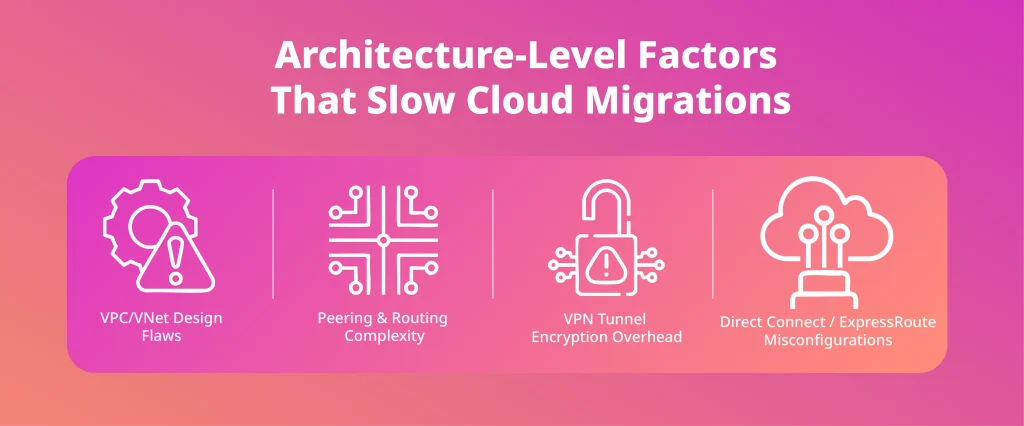
5. VPC/VNet Design
Your VPC or VNet is basically the city layout your workloads live in. If the streets make sense, traffic moves easily. If not, you create accidental bottlenecks.
Misaligned subnets, overly strict NACLs, or security groups that don’t match real-world communication patterns can force traffic through awkward detours. And don’t underestimate what an overly complicated routing table can do. One wrong route can turn a direct path into a sightseeing tour of your entire network.
6. Peering, Transit Gateways, and Routing Decisions
This is where things get weird fast. Asymmetric routing is a classic: outgoing traffic takes one path, incoming traffic takes a completely different one, and suddenly your packets are playing hide-and-seek.
Transit gateways and VPC peering do a great job, until they’re the ones causing the confusion. Long data paths create latency spikes you won’t catch in testing, and misconfigured route propagation can send traffic to places you didn’t even know existed.
7. VPN Tunnels and Encryption Overhead
VPN tunnels look simple on paper: encrypt, send, decrypt. But during a migration, they often become the slowest part of the entire journey.
IPsec alone can eat 40–60% of your throughput. Add on-prem firewalls doing CPU-bound encryption, and you’ve built a choke point guaranteed to struggle when you push large datasets. Great for security. Terrible for speed.
8. Direct Connect / ExpressRoute Misconfigurations
Direct Connect and ExpressRoute are amazing when configured correctly. When they’re not, they introduce some of the most confusing performance issues you’ll ever see.
Under-provisioned ports mean your dedicated high-speed link behaves like a back-alley Wi-Fi connection. BGP route limits cause routes to silently disappear. And without a proper failover path? You’re one hiccup away from wondering why the network suddenly forgot how to behave.
Some performance issues surface simply because too many teams touch the network without shared ownership. Smaller, focused engineering squads often resolve these slowdowns faster, as explained in the piece on why 5-to-7-person squads are perfect for DevOps and cloud delivery.
Application-Layer and Workload Factors That Affect the Performance of a Network
If physical and architectural issues set the stage for migration headaches, the application layer is where things get surprisingly emotional. Apps have personalities, habits, and quirks, and when you start moving them to the cloud, those quirks show up in ways that can absolutely hammer your network.
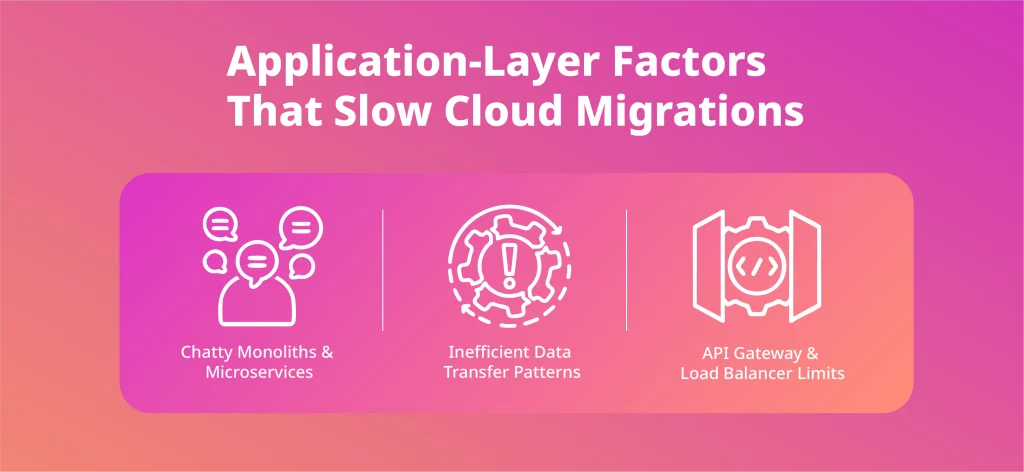
9. Chatty Monoliths & Microservices
Some applications generate far more internal traffic than teams expect. Monoliths do it because everything is tightly coupled under one roof. Microservices do it because each small service relies on several others to complete a single request.
During a migration, this east/west chatter can quickly overwhelm the network. Every extra microservice hop adds latency, and once those calls span hybrid environments or cross regions, the delays stack up fast. An architecture that feels perfectly responsive on-prem can slow down noticeably the moment traffic has to travel farther.
10. Inefficient Data Transfer Patterns
There are smart ways to move data to the cloud, and then there are ways that quietly sabotage your migration.
Copying files one-by-one rather than in parallel can turn a multi-hour migration into a multi-day ordeal. Misconfigured database syncs (like doing full table copies instead of incremental deltas) put unnecessary pressure on links that already feel the strain. It’s not that the network is slow; it’s that the workload is making the worst possible use of it.
11. API Gateways and Load Balancers
API gateways and load balancers seem harmless until they start enforcing rules you forgot existed. Hidden rate limits kick in. Idle timeouts disconnect long-running transfers. Connection draining delays requests just long enough to cause confusion.
In normal operation, these things barely register. In a migration, they become invisible speed bumps that cut throughput and create unpredictable slowdowns, just enough to make you question every design decision you’ve ever made.
Security Factors That Affect Network Performance During Cloud Migration
Sure, security is essential, but during a cloud migration, it can also be one of the biggest reasons your network feels slower than it should. The same controls that protect your systems on a normal day can unintentionally throttle data movement when large workloads start shifting.
Understanding where these slowdowns come from helps you avoid turning security into an accidental bottleneck.
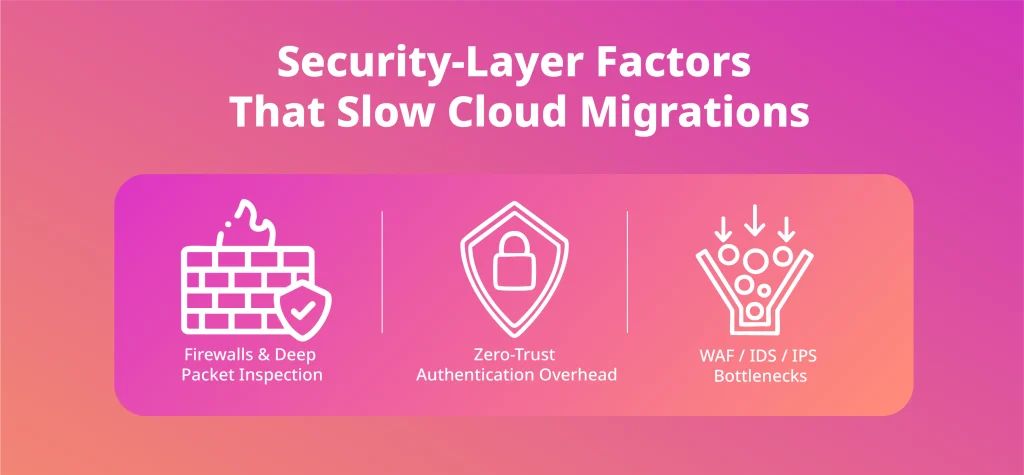
12. Firewalls & Deep Packet Inspection
Firewalls performing deep packet inspection are often the first to struggle when migration traffic ramps up. Inline scanning adds processing overhead to every packet, and CPU-bound firewalls can become overwhelmed long before the network link itself reaches capacity. The result is a dramatic drop in transfer speed that feels like “network slowness” but is really a device hitting its limits.
13. Zero-Trust Requirements
Zero-trust architecture improves security, but it also forces traffic through more checkpoints. Every hop introduces an authentication step or policy evaluation, and those extra round-trips add up. In day-to-day operations, you hardly notice the delay, but during a migration (when large datasets are moving across hybrid or multi-cloud environments), the impact becomes much more visible.
14. WAF & IDS/IPS Bottlenecks
Web Application Firewalls and intrusion detection/prevention systems aren’t always designed to sit on heavy east/west migration paths. If they inspect everything by default, they can introduce latency, trigger rate limits, or interfere with long-running transfers. In many migrations, the fastest path is one that avoids unnecessary inspection while still maintaining the right level of security.
DNS, IAM, and Identity-Path Factors That Affect the Performance of a Network After Workloads Move
Network issues don’t disappear once workloads land in the cloud. In fact, some of the most confusing performance problems show up after the migration, when identity paths and DNS start behaving differently than they did on-prem.
These factors rarely break everything outright. They just make the system feel slower, less predictable, and harder to troubleshoot.
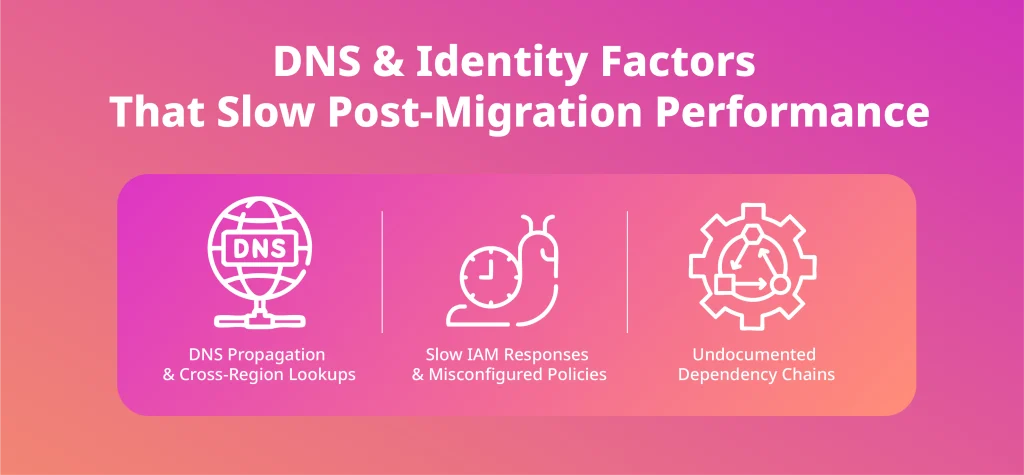
15. DNS Propagation Delays
DNS changes don’t take effect instantly, and during a migration, that delay can cause traffic to hit old endpoints longer than expected. Cross-region lookups add even more latency, especially if clients are still resolving records from a distant resolver. The result is a strange mix of “it works here but not there” that makes post-migration performance feel inconsistent.
16. Slow IAM or Misconfigured Policies
Identity and access management becomes part of every request once workloads move into the cloud. If IAM policies are overly complex or if authentication services respond slowly, each call collects a few extra milliseconds. On their own, those delays seem harmless, but across thousands of requests, they translate into noticeably degraded performance that’s hard to pinpoint.
17. Dependency Chains Nobody Documented
Migrations often expose dependencies that teams forgot existed. Services continue calling old hosts, reaching back into on-prem systems, or relying on internal endpoints that no longer sit next door. Those unexpected cross-environment calls introduce latency and create traffic paths that weren’t part of the original migration plan. Even one lingering dependency chain can make a newly migrated workload seem “slower” than before.
How to Diagnose and Mitigate Network Bottlenecks Before Cutover
Preparing for a smooth cutover means doing the investigative work before anything moves. Network slow points rarely appear out of nowhere; they leave clues. They behave differently under stress. And they almost always reveal themselves if you recreate real migration conditions early enough.
Understanding the factors that affect the performance of a network before migrating is what separates a controlled, predictable cutover from the kind everyone remembers for the wrong reasons.
Here’s how to surface those issues long before they hit production timelines:
- Run Load Tests That Mirror Reality: Tiny transfers won’t reveal anything. You need to move large, representative datasets that mimic actual migration behaviour. Only then do latency spikes, throughput ceilings, and unexpected packet drops show their true shape. Real pressure reveals real bottlenecks.
- Push WAN and VPN Tunnels to Their Limits: WAN circuits and VPN tunnels often look stable until you put real strain on them. Testing them at high utilisation exposes encryption overhead, CPU-bound firewalls, and tunnel bottlenecks long before cutover. It’s better to see them buckle during testing than during a live migration.
- Map Latency Across Every Dependency: Migrations make hidden dependencies impossible to ignore. Services that quietly chatted with on-prem systems or internal endpoints suddenly introduce new latency. Mapping and measuring these paths early stops you from discovering them mid-migration when they’re much harder to work around.
- Rehearse Cross-Region Traffic Before It Matters: Long-distance hops change everything. On-prem traffic that felt fast can slow down significantly once it spans regions or clouds. Recreating those paths early helps you spot issues like MTU mismatches, routing changes, or round-trip delays before workloads depend on them.
- Use Observability Tools That Show the Real Path, Not the Planned One: Flow Logs, VPC Reachability Analyzer, and packet captures reveal how traffic actually moves, not how the diagram says it should move. When something performs worse than expected, these tools usually uncover the routing quirks and silent drops behind it.
- Clean Up the Small Things Before They Become Big Problems: MTU mismatches, stale routes, and routing loops always cause friction under real load. Fixing them early removes the unpredictable behaviour that makes migrations feel chaotic. These issues are simple to address, but only if you catch them before cutover.
When you pressure-test the network like this, the migration stops being a gamble. Instead of hoping the network behaves, you enter cutover knowing exactly how it will respond and why.
How Deployflow Cloud Migration Services Optimise Network Performance
Before any migration begins, full-stack engineering squads embedded in your existing team focus on shaping the network so it behaves predictably under real load. They redesign routing paths, VPCs, and interconnects long before data moves, ensuring the foundations are solid instead of reactive.
Infrastructure-as-Code keeps those designs consistent across environments, preventing the drift that quietly slows networks and complicates cutover.
Cloud migration services add another layer of certainty. WAN links get stress-tested, bandwidth is benchmarked under realistic conditions, and routing paths are tuned so traffic takes the fastest, cleanest journey possible.
By the time workloads begin to shift, most of the problems that typically surface during cutover have already been exposed and resolved. In practice, this eliminates the majority of network surprises that teams normally discover far too late.
Network Performance Is the Make-or-Break Factor in Cloud Migration
Compute, storage, and architecture get most of the attention in cloud planning, but they’re rarely the reason a migration struggles. What could be the reason? The network. It’s the part everyone assumes will just work.
When you understand the factors that affect a network’s performance and address them before cutover, the entire migration changes shape. It stops feeling like a high-stakes gamble and starts behaving like a predictable, well-engineered process.
Latency surprises shrink.
Throughput stabilises.
Cutover becomes a plan.
In the end, getting the network right isn’t just one task on the checklist. It’s the foundation that makes every other cloud decision pay off.
Frequently Asked Questions About Cloud Migration Network Performance
Does cloud migration always cause downtime?
No, cloud migration doesn’t always require downtime, but avoiding it depends heavily on network readiness and the migration method you choose.
Techniques like blue-green deployments, phased cutovers, and continuous replication can keep systems running while data moves. However, if the network can’t handle replication load or latency spikes, downtime risk increases significantly. Proper testing and capacity planning reduce this dramatically.
How much bandwidth do I need for a cloud migration?
There’s no universal number. The required bandwidth depends on dataset size, acceptable migration window, and how much you can saturate the link without affecting production traffic.
A simple rule is to calculate transfer time based on sustained throughput, not theoretical bandwidth. Encryption overhead, packet loss, and cross-region latency all reduce real transfer speeds. Benchmarking early gives you accurate estimates.
Is it faster to migrate data over the internet or use a direct connection?
A direct connection is usually faster and more consistent than the public internet, but it must be configured correctly and sized to match your data volume.
Misconfigured ports, BGP limits, or underestimated capacity can make Direct Connect or ExpressRoute perform worse than expected. For extremely large datasets, hybrid approaches (such as seeding with offline appliances and syncing over dedicated links) often work best.
For teams that want help evaluating which option makes sense for their environment, Cloud consulting provides a clear breakdown of how Deployflow assesses network design, connectivity paths, and migration readiness.
Why does my cloud workload run slower after migration?
Cloud workloads often run slower afterwards because the network path changed, not because the computer is weaker.
Latency increases when services that used to sit next to each other now communicate across regions or hybrid boundaries. Identity checks, DNS lookups, and unexpected routing hops also add overhead. Measuring post-migration traffic paths usually reveals bottlenecks quickly.
Can network security tools slow down cloud migration?
Yes. Firewalls, VPN tunnels, IDS/IPS systems, and deep packet inspection can all slow migration traffic if they sit inline and process large data volumes.
These tools add CPU overhead, introduce latency, and in some cases enforce timeouts that disrupt long transfers. Security shouldn’t be removed but should be tuned for heavy data flows or temporarily bypassed for safe, controlled migration paths.
Explore our BLOG
Recent articles

AI Roadmap: How to Get Board Approval for Your AI Strategy in Six Weeks
A board-ready AI roadmap takes six weeks if you rank, cost and sequence use cases...
read full article

Is Claude Down? Anthropic Outage: Protect Your Cloud Infrastructure
Every current Claude model failed at once on 25 October 2026, the worst of five...
read full article

Agentic Process Automation Explained: A Complete Guide for 2027
Agentic process automation hands off entire business processes to AI agents that read, decide and...
read full article